Cookie consent for Framer

GDPR & CCPA cookie banner for Framer

Add Cookivo to Framer's custom code and get a consent banner that blocks trackers, adapts to each visitor's country and keeps proof of consent.

Set it up in 2 minutes

  1. Create a free Cookivo account and add your Framer domain.
  2. Scan, review trackers and design your banner. Press Publish.
  3. In Framer, open Site Settings → General → Custom Code.
  4. Paste your install code into Start of <head> tag.
  5. Publish your site.

Full details, including manual blocking and the JavaScript API, are in the documentation.
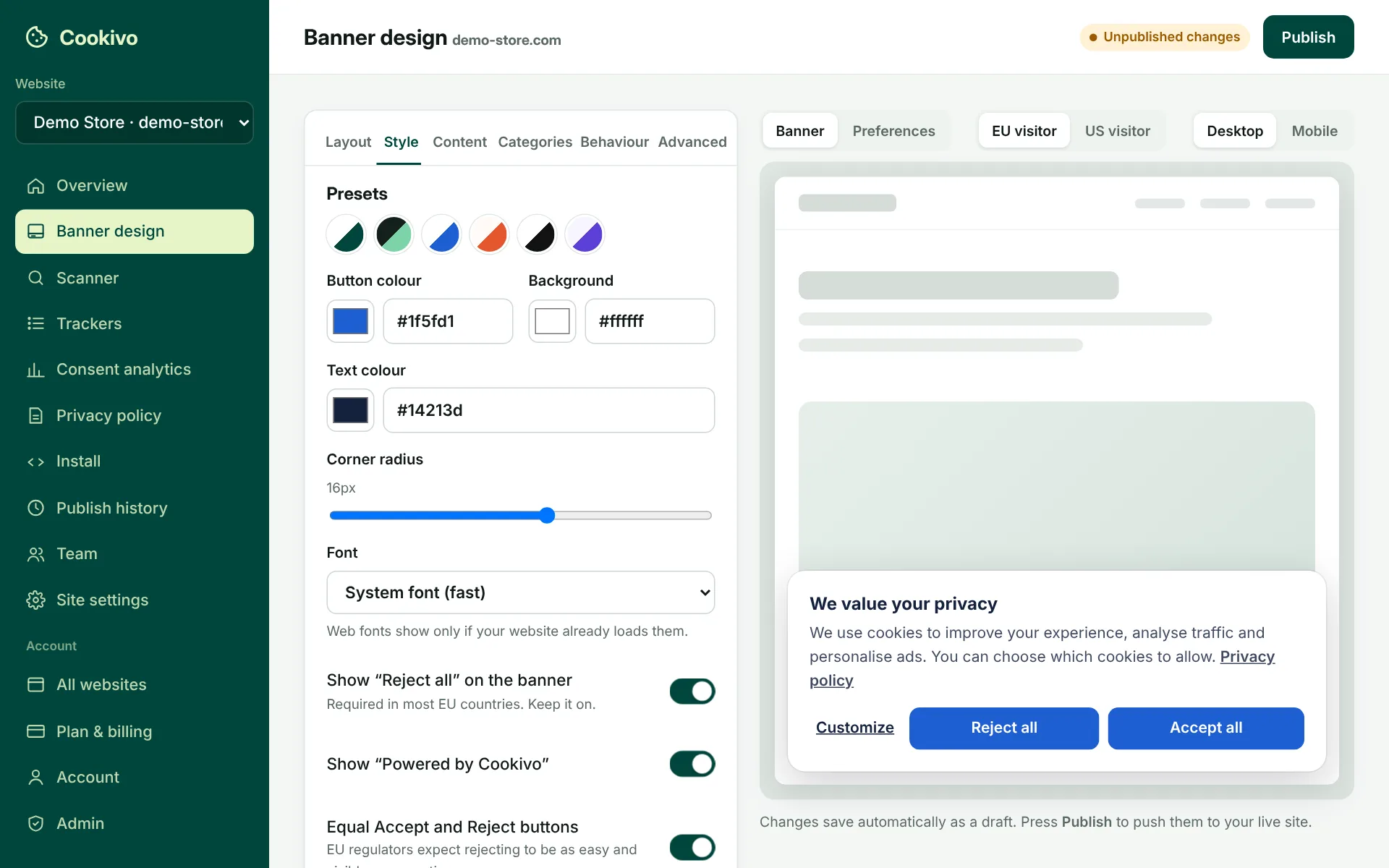
Designing a cookie banner for Framer in the Cookivo dashboard

Made for Framer

Works with Framer analytics

Cookivo leaves Framer's own cookieless analytics alone and blocks third-party trackers.

Smooth design

Three layouts, rounded corners and your fonts, so the banner feels part of your site.

15 languages

Visitors see the banner in their browser language.

Framer questions

Do I need a paid Framer plan?

Custom code requires a site plan that supports it. Check your plan under Site Settings.

Will it affect animations?

No. The banner is isolated in its own Shadow DOM.

Other platforms: WordPress · Shopify · Wix · Webflow · Squarespace · Next.js

Make your Framer site compliant today

Free for your first site. No card needed.