Cookie consent for Squarespace

GDPR & CCPA cookie banner for Squarespace

Use Squarespace's Code Injection to add Cookivo: automatic blocking, Google Consent Mode v2 and a banner that matches your template.

Set it up in 4 minutes

  1. Create a free Cookivo account and add your Squarespace domain.
  2. Scan, review trackers and design your banner. Press Publish.
  3. In Squarespace, open Settings → Advanced → Code Injection (Business plan or higher).
  4. Paste your install code at the top of the Header box and save.
  5. Turn off Squarespace's built-in cookie banner under Cookies & Visitor Data.

Full details, including manual blocking and the JavaScript API, are in the documentation.
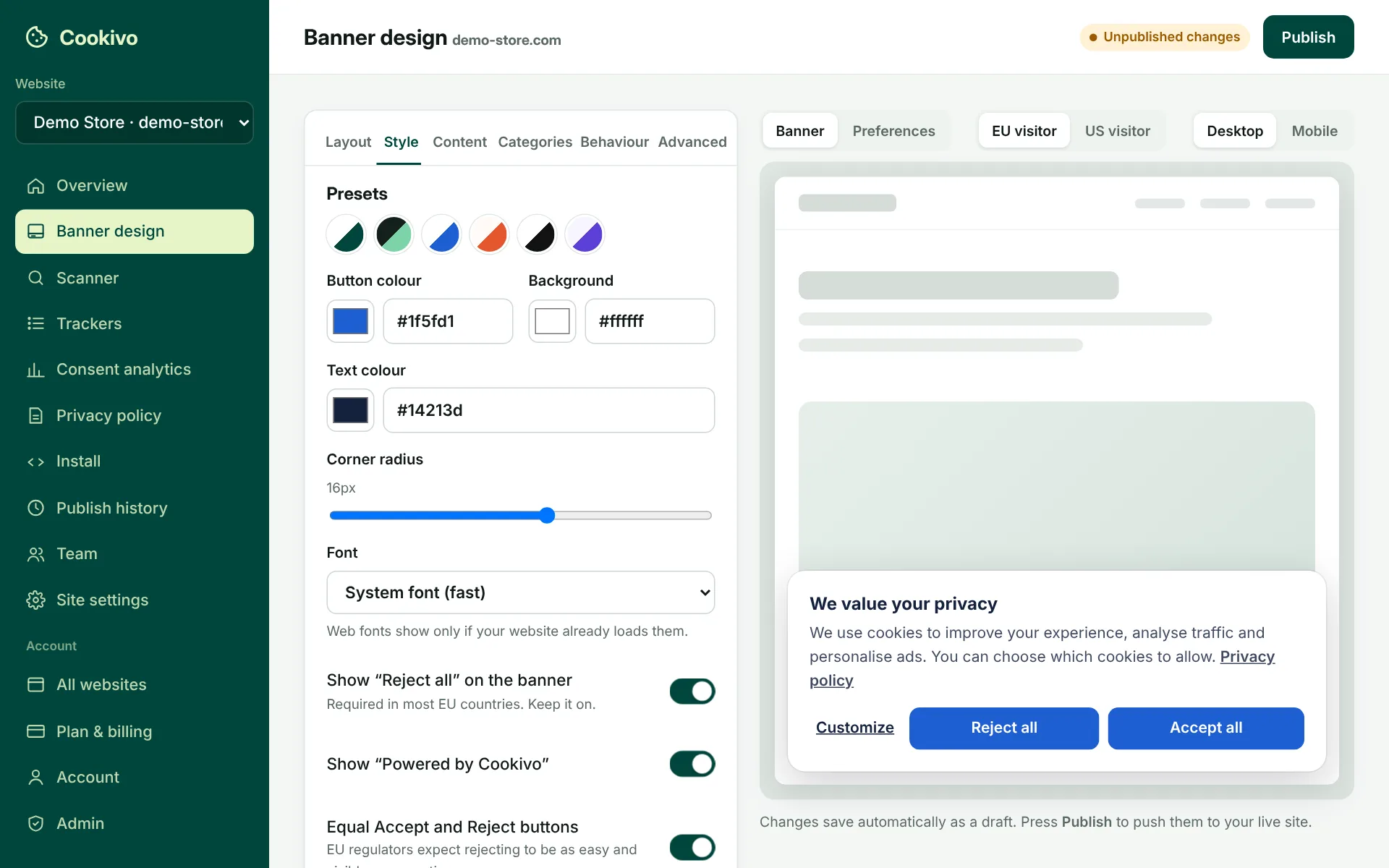
Designing a cookie banner for Squarespace in the Cookivo dashboard

Made for Squarespace

Commerce-ready

Checkout and cart cookies stay on; marketing pixels wait for consent.

Region rules

Strict opt-in for Europe and the UK, opt-out with Do Not Sell for the US.

Consent analytics

See accept and reject rates and export logs as CSV.

Squarespace questions

Which plan do I need?

Code Injection is available on Squarespace Business and Commerce plans.

Can I keep Squarespace Analytics?

Yes. You can categorise it as you prefer in your tracker list.

Other platforms: WordPress · Shopify · Wix · Webflow · Framer · Next.js

Make your Squarespace site compliant today

Free for your first site. No card needed.