Customer Privacy API
Cookivo calls Shopify's setTrackingConsent for analytics, marketing, preferences and sale of data, so apps and web pixels follow the visitor's choice.
Cookie consent for Shopify
Add Cookivo to your Shopify theme and every visitor's choice is passed to Shopify's Customer Privacy API, so Shopify analytics, marketing apps and pixels respect it.
Full details, including manual blocking and the JavaScript API, are in the documentation.
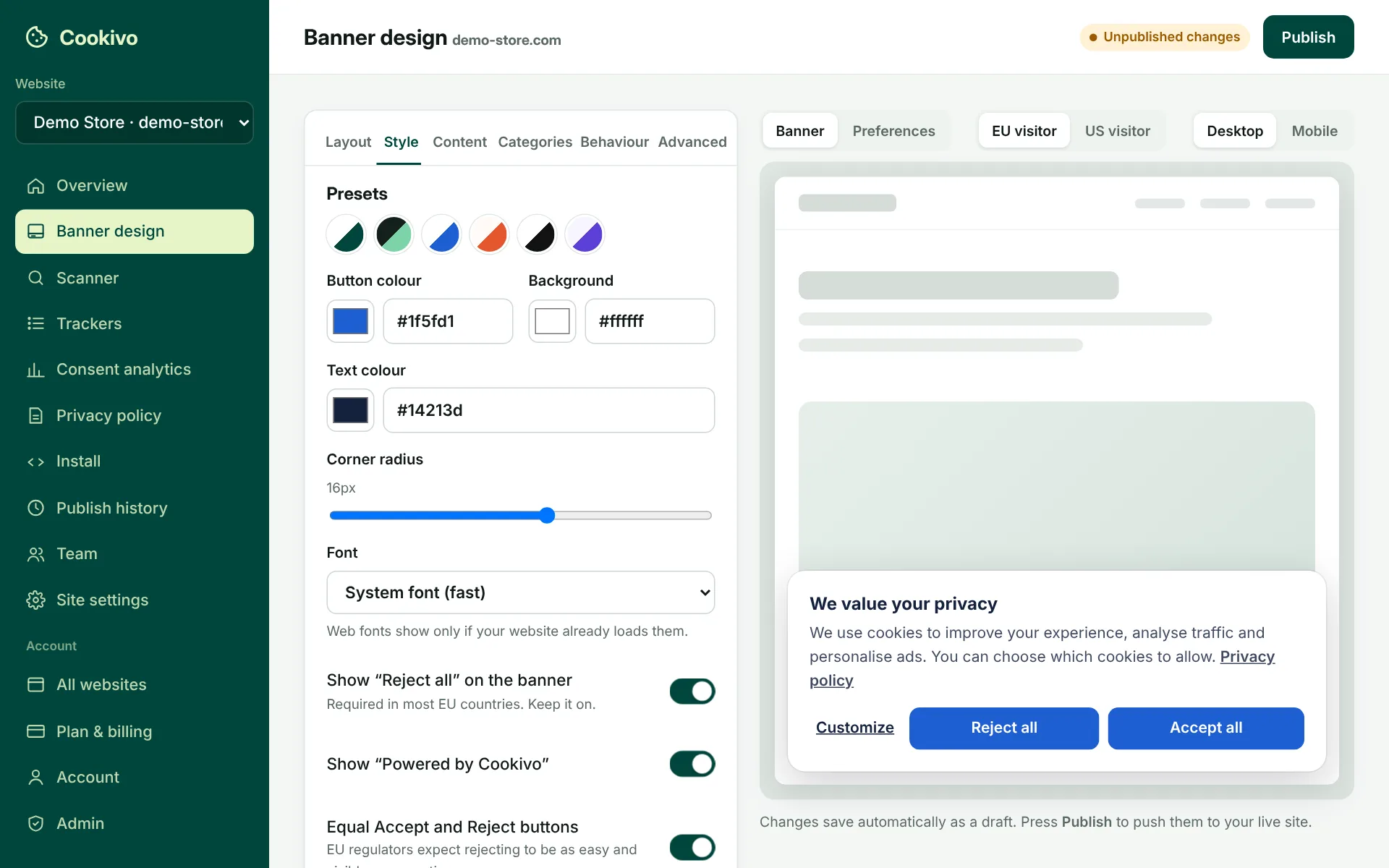
Cookivo calls Shopify's setTrackingConsent for analytics, marketing, preferences and sale of data, so apps and web pixels follow the visitor's choice.
Cart and checkout cookies are necessary and never blocked.
US visitors see a Do Not Sell or Share link instead of a blocking banner.
Free for your first site. No card needed.