Native embeds
Webflow's YouTube, Vimeo and Google Maps elements show a friendly placeholder until visitors accept.
Cookie consent for Webflow
Paste one snippet into Webflow's site-wide custom code and publish. Cookivo blocks analytics and marketing tags, handles Webflow's native video and map embeds, and logs every consent.
Full details, including manual blocking and the JavaScript API, are in the documentation.
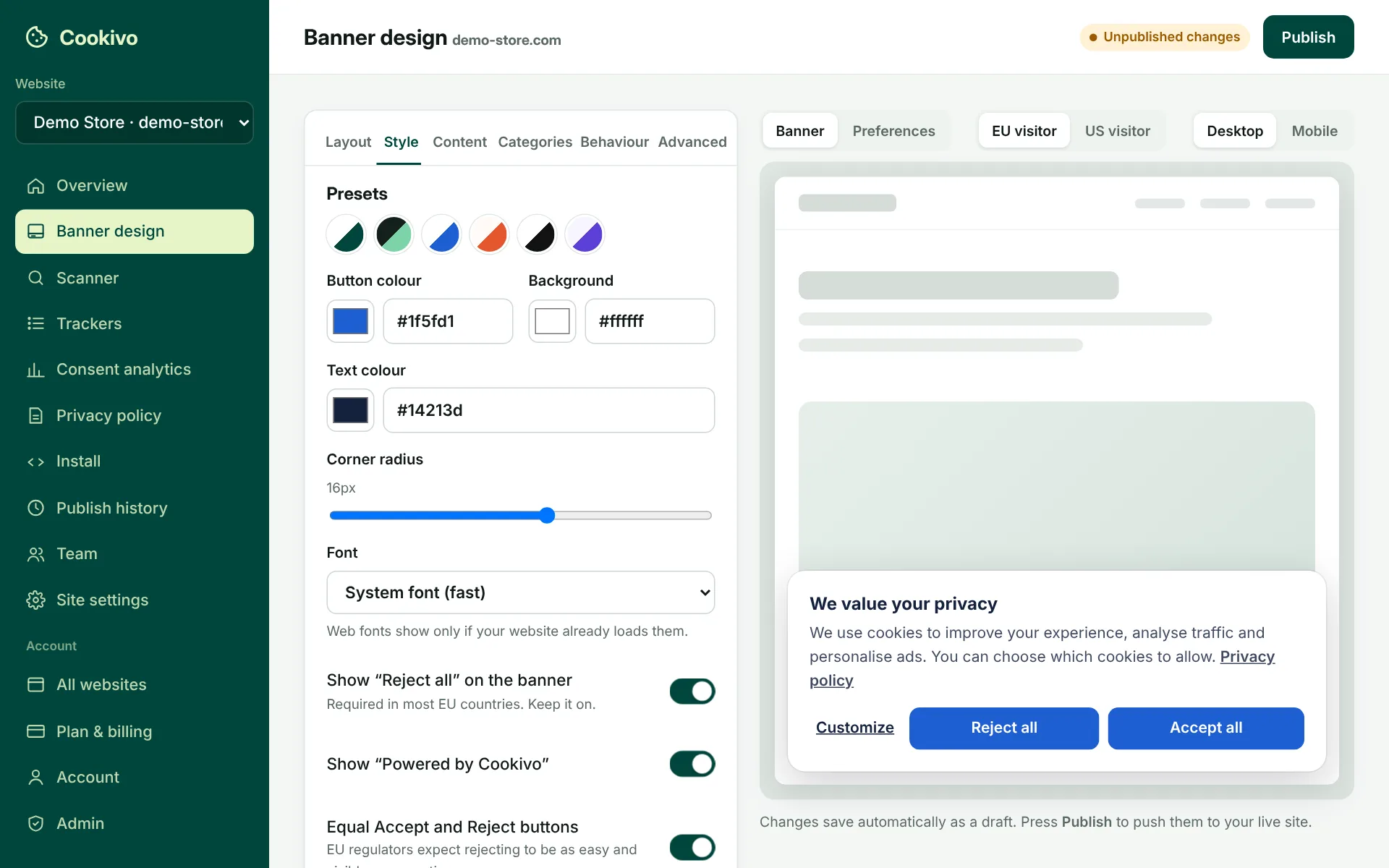
Webflow's YouTube, Vimeo and Google Maps elements show a friendly placeholder until visitors accept.
Use custom CSS for pixel-perfect matching with your Client-First style guide.
The Agency plan covers 25 Webflow projects from one dashboard, with client access.
Yes. Add the staging domain as its own site while you test, or use your live domain.
Yes. Link any text to #cookie-settings.
Other platforms: WordPress · Shopify · Wix · Framer · Squarespace · Next.js
Free for your first site. No card needed.