Embeds handled
YouTube, Vimeo and Google Maps embeds show an Allow & load card until visitors accept.
Cookie consent for Wix
Add Cookivo through Wix's Custom Code settings to get automatic tracker blocking, region-aware rules and consent logs on your Wix site.
Full details, including manual blocking and the JavaScript API, are in the documentation.
YouTube, Vimeo and Google Maps embeds show an Allow & load card until visitors accept.
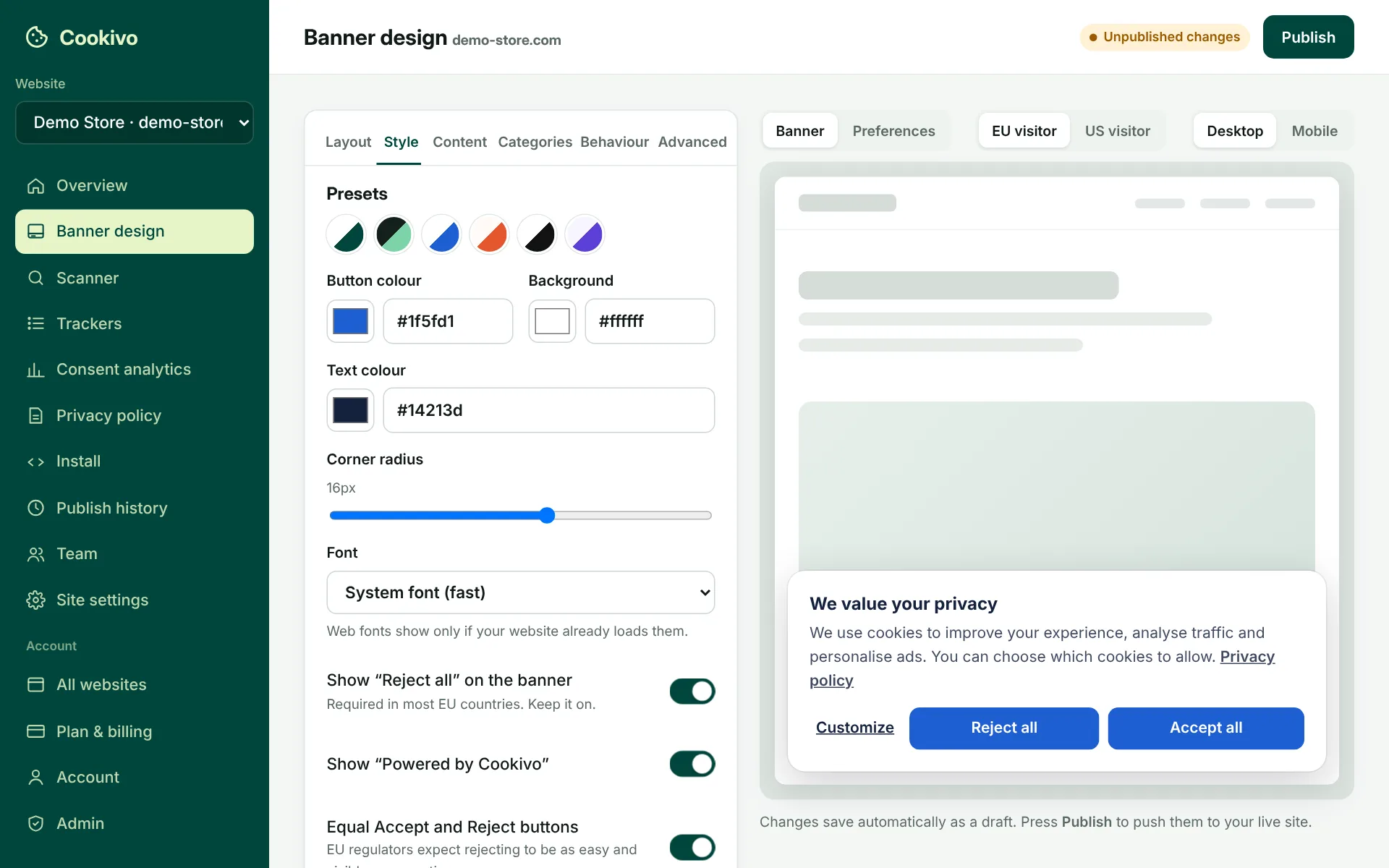
Match the banner to your Wix theme with your colours, logo and wording.
Every choice is logged so you can show it if asked.
Yes. Wix only allows custom code on Premium sites with a connected domain.
Yes. Store and checkout keep working; only optional trackers wait for consent.
Other platforms: WordPress · Shopify · Webflow · Framer · Squarespace · Next.js