WP Consent API built in
Cookivo reports each visitor's choice to the WP Consent API, so WooCommerce, Site Kit and other compatible plugins follow it automatically.
Cookie consent for WordPress
Install the Cookivo plugin, paste your Site ID, and your WordPress site blocks trackers until visitors agree. It works with WooCommerce, Elementor, Divi and every theme.
Full details, including manual blocking and the JavaScript API, are in the documentation.
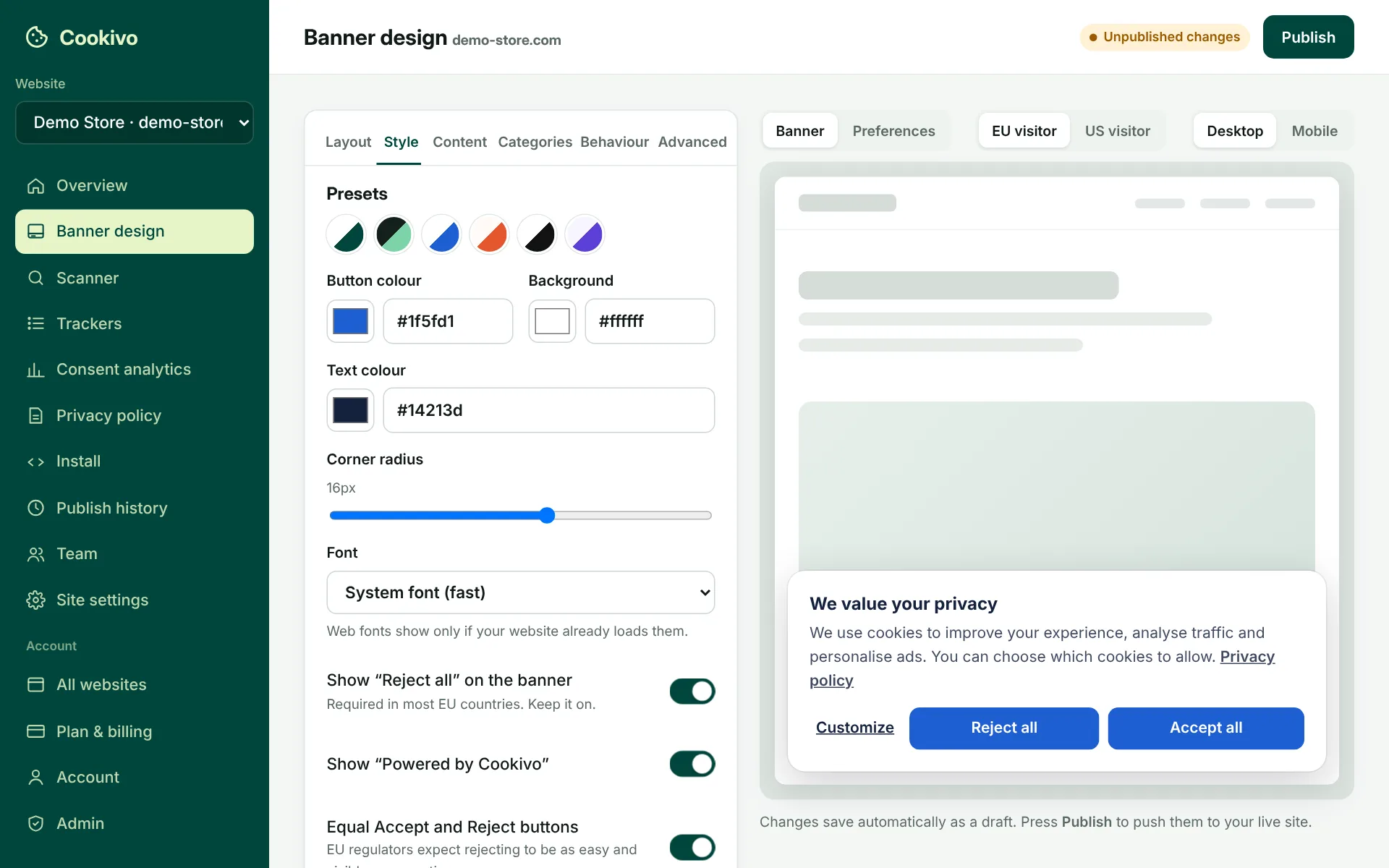
Cookivo reports each visitor's choice to the WP Consent API, so WooCommerce, Site Kit and other compatible plugins follow it automatically.
Use [cookivo_settings_link] in your footer and [cookivo_declaration] on your privacy page.
The plugin only prints two script tags at the top of the page. All settings live in your dashboard.
Yes. Clear the cache once after installing. Cookivo stores each visitor's choice in their browser, so cached pages work normally.
Yes. Google tags get Consent Mode v2 signals, and plugins that support the WP Consent API follow the visitor's choice.
Other platforms: Shopify · Wix · Webflow · Framer · Squarespace · Next.js
Free for your first site. No card needed.